
Become a Billionaire Links
Official group and experience links on one side, community wiki and creator videos on the other.
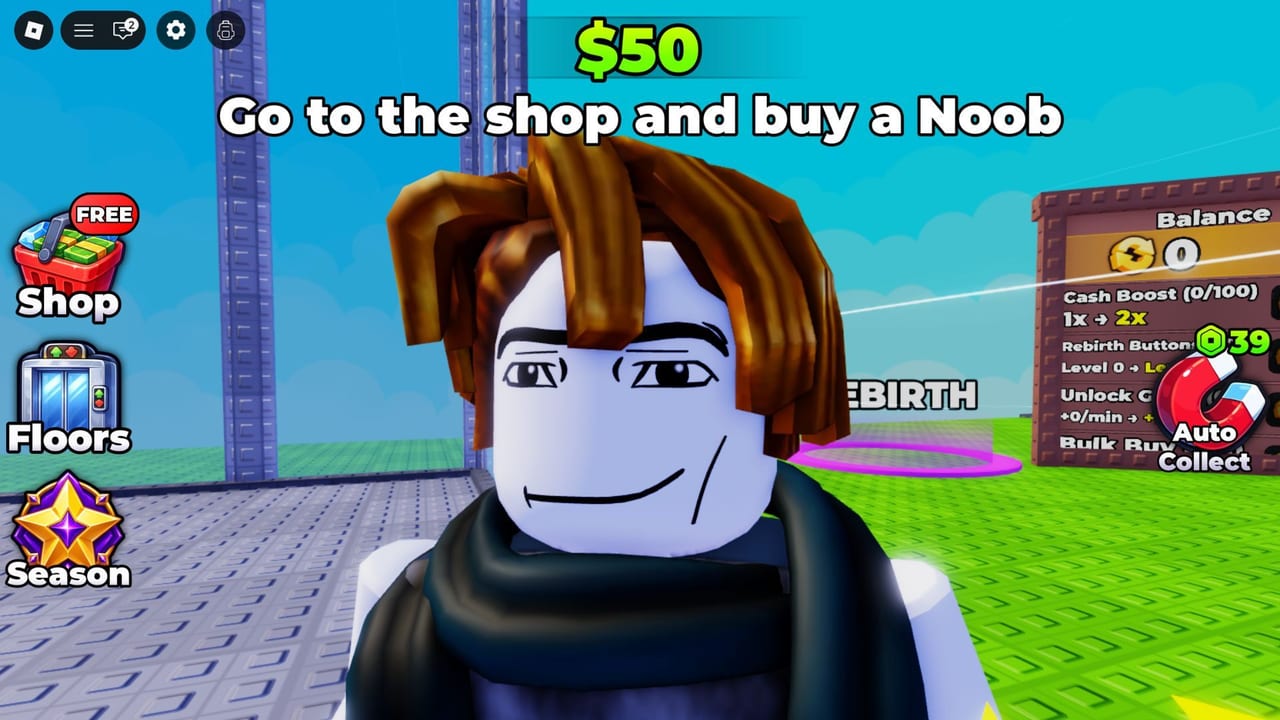
This hub is the address book for Become a Billionaire on Roblox. The tycoon launched on May 8, 2026 from 0 Visits Games. It is released, free-to-play, and runs on 6-player online servers with separate bases, Shop characters, merge, crates, rebirth, and offline cash. When players search “Trello,” “Discord,” or “official group,” they usually want one of two things: a studio-owned page, or a fan page that does not pretend to be studio-owned.
Split your bookmarks that way:
- Official links — the Roblox experience, the 0 Visits Games group, and an honest note that we have not found a public Trello URL or a confirmed Discord invite.
- Community links — this wiki, public YouTube creators such as SocksBlox, SIM_BLAST, and CoralBlox3, and other unofficial code roundups.
- Codes Hub — the live redemption list (UPDATELOG, CommunityServer, FREEROLLS) so you do not have to trust a random comment.
Why a links hub exists
Become a Billionaire updates through the experience page, in-game Shop banners, Season UI, and occasional admin abuse Events cards. It does not publish a Steam-style manifesto. That vacuum fills with fake Discord invites, cloned Trello boards, and “free Robux” redirects. A short, conservative link list is more useful than a long list of dead URLs.
Official pages answer: Is the game live? Who developed it? Did the Events tab list UPD + Admin Abuse on August 30, 2026? Did the platform Updated stamp move around September 1, 2026? Community pages answer: How do I rebirth? Which Shop character is worth a pad today? Which codes still work?
How we decide what to list
A link goes on official links only if it is the Roblox experience, the studio group, or another surface we can attribute to 0 Visits Games. A link goes on community links if it is this wiki, a public creator video, or an unofficial codes page. We do not invent discord.gg invites. We do not invent Trello boards. If the studio later pins either one in-game, this hub will say so.
In-game Community Server buttons, group shouts, and Shop Redeem Codes are safer than search-result clones. If a stranger in a 6-player server pastes an invite, ignore it. Join the 0 Visits Games group from the experience page instead.
How to use these links after a patch
- Open the official experience to confirm the game is still the same place ID you bookmarked.
- Check the Events tab and the Updated stamp, then read the Updates Hub or patch notes.
- Redeem whatever is live on the Codes Hub.
- If you need the loop explained, go to Getting Started and rebirth.
- If you want a ranked Shop snapshot, open the character tier list.
- Only then watch a YouTube run for entertainment. Creator videos are not patch notes.
What this hub will never do
We will not list malware “script hubs” as official. Client automation, if you insist on reading about it, lives behind the Scripts Hub disclaimer. We will not list giveaway pages that ask for your password. We will not copy another fan wiki’s URL list. Every entry here was checked against the Roblox experience and public creator channels for Become a Billionaire specifically.
Keep this page as your index, then drill into official links when you need the group, or community links when you need the wiki and videos. If a new studio URL appears in the HUD, verify it on the experience page before you click. Become a Billionaire is a live tycoon, not a scavenger hunt through untrusted invites.
Frequently Asked Questions
Quick answers to the most common questions.
Is this wiki an official 0 Visits Games page?
No. This is an unofficial fan wiki. Official surfaces are the Roblox experience and the 0 Visits Games group, collected on official links.
Where is the Trello or Discord?
No public Trello URL and no confirmed Discord invite were found. Do not trust random discord.gg links. Use the group and any in-game community server button instead.
Where should I redeem codes?
In the Shop Redeem Codes box in-game. The working list is on the Codes Hub, not in comment sections.
How do official and community pages differ?
Official pages are studio or Roblox properties. Community pages include this wiki and public YouTube. See community links for the fan side.